Trailseek
Waypoints
Mark and organize places.
Drop a waypoint
Tap the plus button to drop one at the center of the map, or long-press anywhere on the map.
Edit
Open a waypoint to: - Rename it. - Choose an icon and color. - Add a note. - Set an exact position by typing a coordinate (decimal degrees, DMS, MGRS, or UTM). - Attach photos from your library or the camera.
Organize
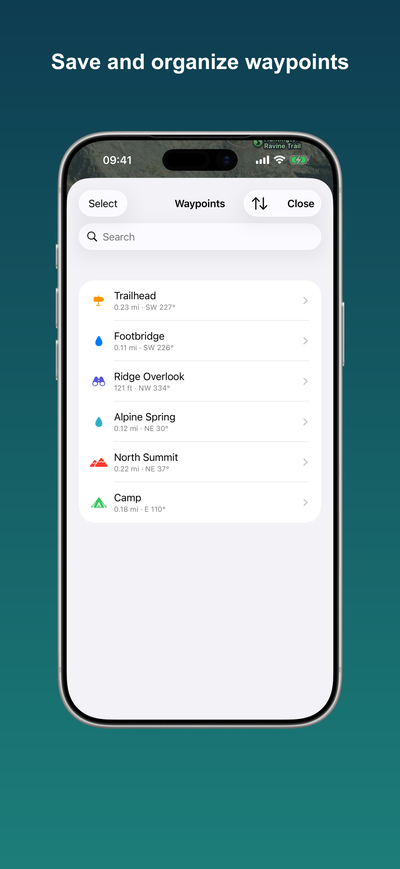
Open Waypoints from the lists menu for a searchable, sortable list. Sort by date, name, or distance. Swipe a row to show it on the map or delete it, or select several to delete at once.
Show on the map
Swipe a waypoint to show it on the map, or open it and use Show on map. The map centers on the waypoint and selects it, so it sits above any overlapping pins.
Navigate and share
From a waypoint you can navigate to it or share it. See Navigation and Sharing.