Trailseek
Offline maps
Download a map region so it keeps working with no signal.
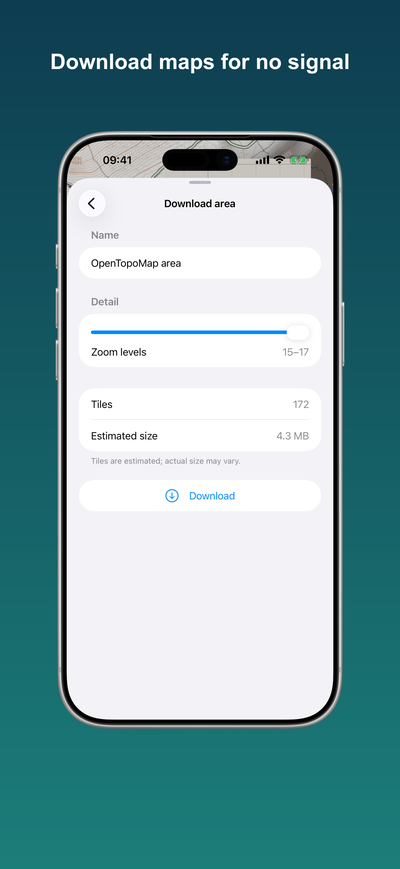
Download an area
- Switch to USGS Topo. It’s the only style you can download; the Apple, OpenStreetMap, and OpenTopoMap styles are for viewing only.
- Frame the area you want on the map.
- Open the layers picker and choose Download this area.
- Pick the detail (zoom) level. Trailseek shows an estimate of the tile count and size before you start.
- Start the download. You can watch progress and cancel it. An interrupted download resumes where it left off.
Manage downloads
Open Manage offline maps to see your saved regions with their size, re-download or delete them, and clear the browsing cache. Deleting a region frees only the tiles that no other region needs.
Notes
- Areas you simply browse are cached too, so recently viewed places also work offline.
- USGS Topo covers the United States. OpenStreetMap and OpenTopoMap can’t be downloaded, because their tile policies don’t allow it.